


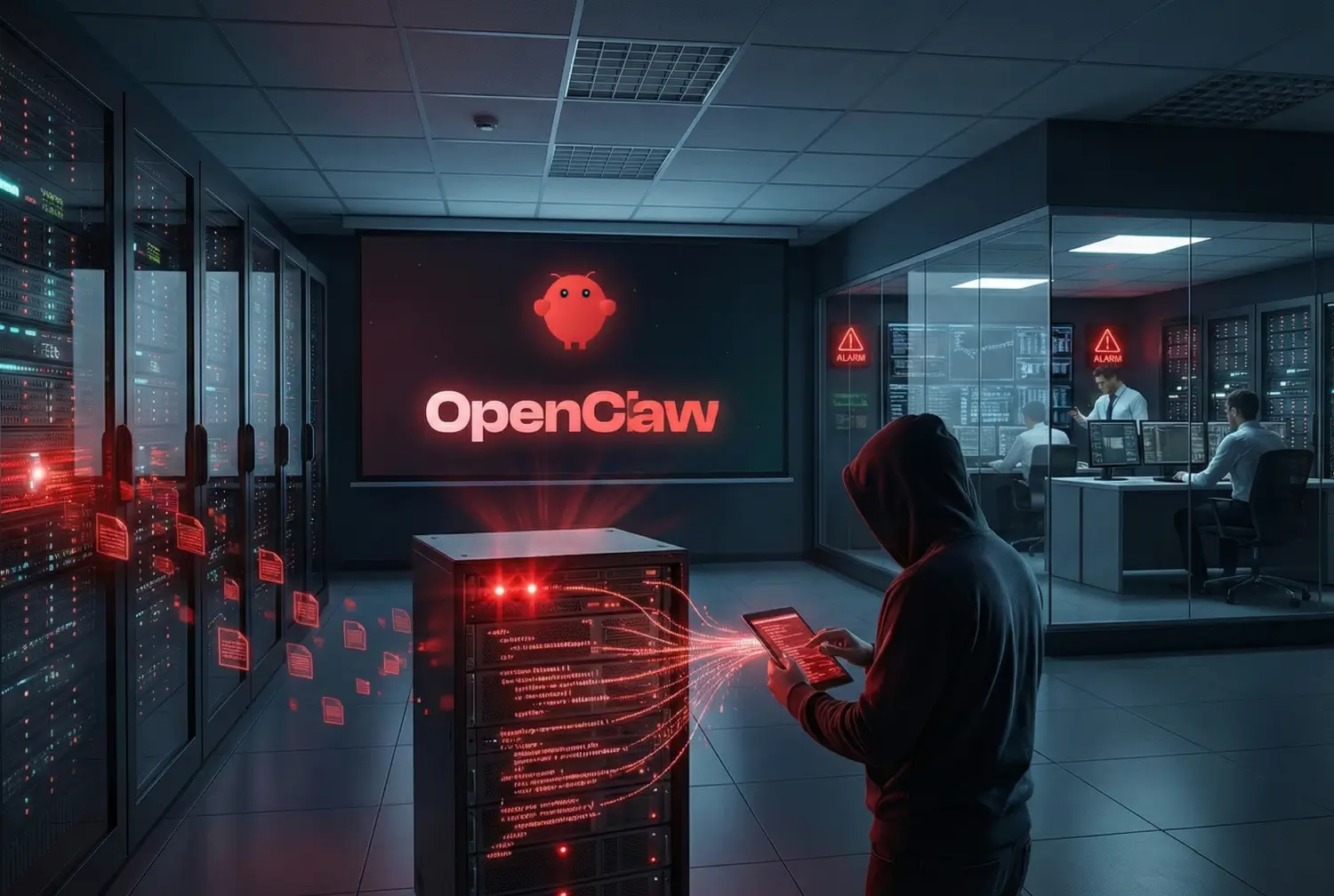
Employees frequently download open-source software to complete daily tasks faster. OpenClaw is currently the most popular software for this purpose. Developer Peter Steinberger originally published the project under the name Clawdbot in November 2025.
He later renamed it Moltbot, and finally OpenClaw. OpenClaw is an autonomous artificial intelligence agent. It runs directly on local user hardware. Users connect it to messaging platforms like WhatsApp, Slack, Signal, and Telegram. The software reads files, executes system commands, manages calendars, and monitors code repositories.
Employees install this software without notifying IT departments. They use it to automate tedious digital chores. This creates a network of unmonitored tools operating behind the corporate firewall.
Security professionals define this unauthorized software usage as “Shadow AI.” The rapid adoption of OpenClaw highlights a significant shift in user behavior. Employees no longer wait for IT approval to use advanced automation tools. They provision their own solutions.
Unrestricted Local Access Exposes Core Systems to Immediate Exploitation
OpenClaw operates differently than standard chatbots. Standard chatbots generate text responses based on user prompts within a web browser. OpenClaw takes direct action on the host computer.
It runs as a background daemon using systemd on Linux systems or LaunchAgent on macOS. The agent reads a checklist from a local workspace file at regular intervals. It decides if tasks require action and executes them autonomously. It connects to large language models like Claude, DeepSeek, or OpenAI’s GPT models to process information.
The integration of artificial intelligence in business processes increases overall productivity. However, unmonitored local installations bypass established corporate security protocols. OpenClaw requires broad system permissions to function effectively.
The software stores conversation history, system memory, and configuration data in standard Markdown and YAML files. These files reside in unencrypted local directories. The application also stores external API keys in plaintext format. Malicious actors routinely scan local networks to find these unencrypted files and steal the credentials.
Default Settings Function as Unmonitored Network Backdoors
When users install OpenClaw with default settings, the software essentially acts as an unmonitored backdoor. It executes shell commands without requiring manual user approval.
The agent reads external emails, browses external websites, and interacts with local host services. It processes untrusted external content automatically. If an attacker gains access to the local network, they use the OpenClaw agent to locate sensitive corporate data.
The agent then communicates with external servers to exfiltrate this data without triggering standard endpoint detection systems.
| Feature | Standard Cloud Chatbot | Local OpenClaw Agent |
| Execution Environment | Vendor-hosted cloud infrastructure | Local user hardware and operating system |
| System Access | None | Full file system and shell command access |
| Data Storage | Encrypted proprietary vendor database | Plaintext Markdown and YAML directories |
| Action Capability | Text generation and data summarization | Autonomous script execution and file modification |
| Corporate Oversight | Centralized IT administration and logging | Unmonitored employee installation and operation |
The Danger of Third-Party Skill Packages
Users expand OpenClaw’s base capabilities by downloading extension packages. The open-source community calls these packages “skills.” Users download these skills from public registries like ClawHub.
A standard skill package contains a configuration file and executable scripts. The AI agent reads the instructions within the package and runs the included scripts to interact with new applications or automate new workflows.
Hackers Weaponize AI Supply Chains with Disguised Code
Public registries rely on community submissions and lack strict security vetting processes. Contributors upload malicious skills disguised as helpful productivity tools or system integrations. These malicious packages instruct the agent to install keyloggers, steal passwords, or open remote access ports.
Security researchers actively monitor this malicious activity. VirusTotal Code Insight analyzed over 3,000 OpenClaw skills and found hundreds containing malicious code. Employees download these unverified skills directly to their corporate workstations.
The skills then execute malicious code with the exact same system privileges as the logged-in employee. The AI agent blindly follows the malicious instructions because it cannot differentiate between legitimate workflow automation and security exploitation.
Invisible Threats: How Hidden Text in Emails Triggers Massive Data Theft
Attackers use indirect prompt injection to compromise autonomous AI agents. They do not need direct access to the enterprise network or the employee’s computer. They simply hide malicious instructions inside external files or communications. For example, an attacker places hidden text in a public website, a shared document, or an incoming email message.
The employee asks OpenClaw to summarize the email or read the website for research. The agent processes the hidden text during the summarization task. The underlying large language model interprets the hidden text as a legitimate, high-priority system command. The hidden command instructs the agent to forward sensitive local files to the attacker’s email address or delete system backups.
Recent security analyses confirm that OpenClaw executes these commands without notifying the user. Log poisoning operates on the exact same principle. Attackers insert malicious commands into system error logs or web server logs. When the IT administrator asks the AI agent to scan the logs for troubleshooting purposes, the agent reads the payload and executes the embedded instructions.
Enterprises Must Eradicate Shadow Installations to Regain Network Control
Enterprises must stop the unchecked spread of Shadow AI across their networks. IT departments need to replace unmonitored local agents with secure, enterprise-grade systems.
Companies achieve widespread automation safely by deploying centrally governed AI frameworks. Centralized frameworks provide IT security teams with complete visibility into all AI activities and data flows.
Companies implement specific technical controls to secure AI agents and protect corporate assets:
- Role-Based Access Control: Administrators restrict AI tool access based on specific employee job functions and clearance levels.
- API Management: Companies route all AI data requests through secure, monitored Application Programming Interfaces rather than direct file access.
- Session Authentication: IT teams enforce strong, multi-factor authentication protocols for every individual AI agent session.
- Encrypted Storage: Systems encrypt all AI system memory, conversation logs, and API keys at rest and in transit.
- Audit Logging: Security teams maintain immutable records of every action the AI agent performs for compliance and incident response.
IT leaders work with external technology partners to design and implement these secure systems. Engaging professional AI consulting services helps businesses map their exact security requirements before deploying autonomous agents into production environments.
Zero Trust Architecture Remains the Only Defense Against Autonomous AI
A secure AI deployment requires a strict Zero Trust architecture. Zero Trust means the network never trusts any user, device, or software application automatically. The system constantly verifies every request for access.
IT departments apply this identical principle to autonomous AI agents. The agent must authenticate itself before interacting with any corporate database or external service.
Mandatory Human Oversight Halts Automated Exfiltration Attempts
Autonomous execution presents the highest operational risk to business continuity. Secure enterprise frameworks require manual human approval for all high-risk actions. The system automatically pauses the AI workflow when the agent attempts to send an external email, delete a file, execute a financial transaction, or change system configurations.
The agent sends a distinct request to the human user. The user reviews the proposed action, verifies the intended outcome, and clicks a button to approve or deny the request. This verification process prevents accidental data loss and stops unauthorized communication initiated by prompt injection attacks.
Companies integrate these approval workflows directly into their existing enterprise resource planning software. Using secure AI integration services, businesses connect language models directly to secure corporate databases with built-in oversight mechanisms. This structured method permanently replaces risky local desktop installations.
ViitorCloud Engineers Custom Gateways to Secure Enterprise Workflows
Businesses want the rapid workflow efficiency of tools like OpenClaw without the accompanying security vulnerabilities. They achieve this outcome by building custom, governed automation solutions. Custom solutions operate entirely within the corporate firewall. They process only structured, verified data and strictly obey established IT governance policies.
ViitorCloud builds secure, hybrid automation solutions specifically for modern enterprises. Our engineering teams design AI systems that adhere to strict data compliance frameworks. We implement the necessary system guardrails, API controls, and audit trails to make autonomous artificial intelligence safe for your business operations.
We replace open-source desktop tools with scalable, monitored enterprise applications. If your organization wants to safely deploy autonomous agents, review our technology consulting services to start the architectural planning process today.
The Final Verdict on the OpenClaw Enterprise Crisis
OpenClaw significantly increases individual employee productivity by automating tedious daily tasks. It also introduces severe, unmanaged vulnerabilities into enterprise network environments.
Unmonitored local AI agents expose companies to massive data exfiltration events, indirect prompt injection attacks, and targeted malware infections hidden within third-party skill packages.
IT departments must actively identify and remove Shadow AI installations from their corporate networks. Businesses must transition from employee-led, unapproved AI experiments to secure, centrally governed automation platforms.
Centralized systems provide the required administrative oversight, data encryption, and strict access controls. Companies that implement these security measures successfully utilize the power of artificial intelligence while continuously protecting their sensitive corporate data.
For custom solutions, connect with our team at [email protected].

Vishal Shukla
Vishal Shukla is Vice President of Technology at ViitorCloud Technologies.