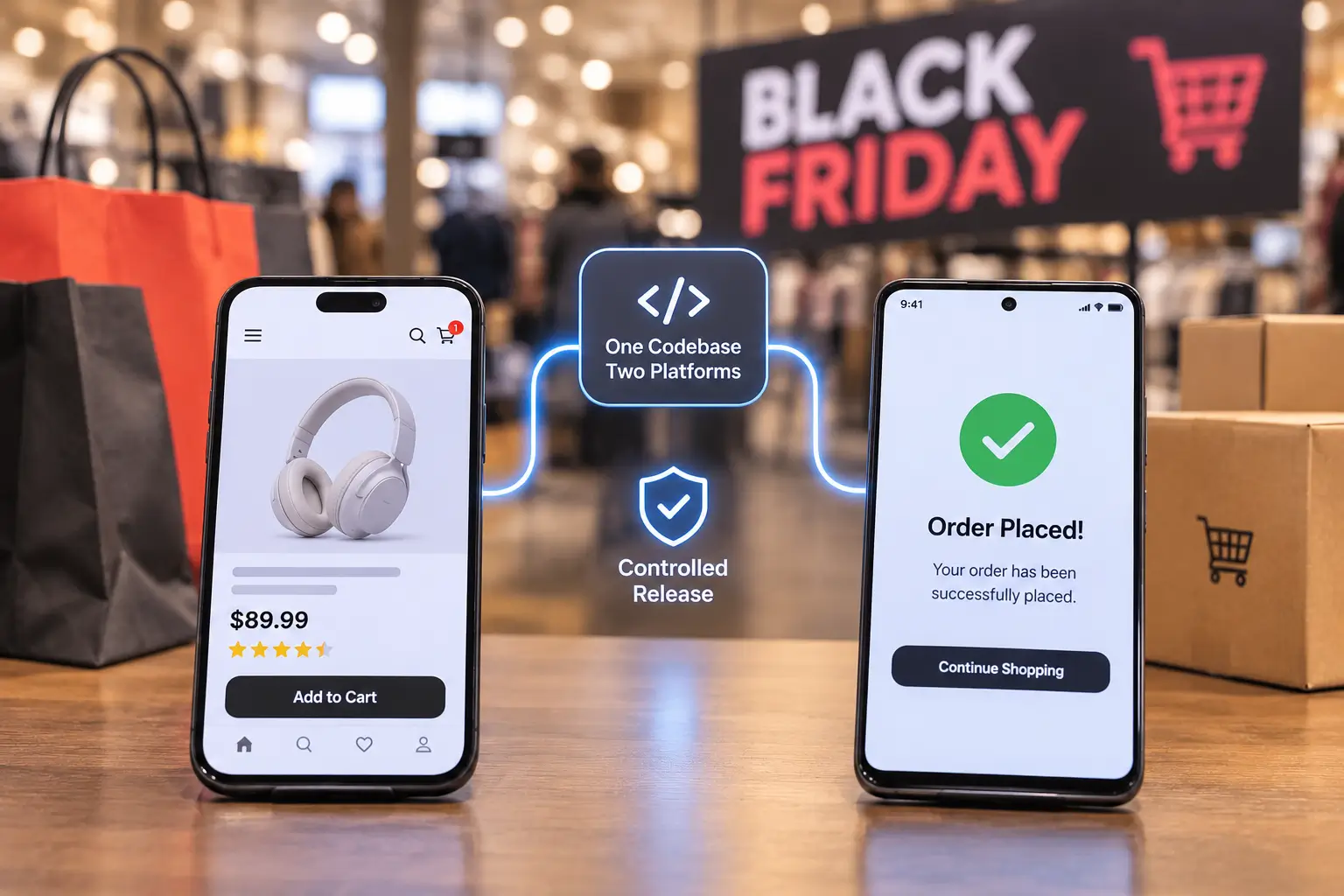
Cross platform app development lets one team ship a single codebase to iPhone and Android, and for most of the year that’s a clear win. Cyber Week changes math. A bug in shared code reaches both app stores at once, and a fix that waits in store review can land after the sale is over.
Black Friday falls on 27 November this year, and Cyber Monday on 30 November. If your app carries a real share of your orders, the next few days decide how much control you’ll have when a screen breaks at 9 p.m. on Thanksgiving. This piece is about that control: what to check, what to switch off, and what to leave alone until December.
Key takeaways
- Phones carry the peak. Adobe forecasts a record 63% of US online spend through mobile at the Thanksgiving peak, against 57.4% for the full season.
- A shared-code bug hits both platforms. A defect in shared JavaScript or Dart code breaks iOS and Android together.
- Store review is slow at peak. Apple’s own pages put most reviews inside one to two days. On Cyber Monday, that’s most of the sale.
- Remote feature control works in minutes. A server-side switch turns a broken feature off in minutes, with no new build.
- Staged rollout keeps a bad build small. Both stores let you release a slice of users first and stop when crash numbers climb.
What does Cyber Week change for an ecommerce app?
Cyber Week packs a large share of the year’s mobile orders into five days, so a slow screen or a crash cost far more per hour than it does in October. It also shrinks your reaction time, because most fixes still pass through two app stores before shoppers see them. For ecommerce app performance, that means watching the numbers hour by hour through the weekend.
Adobe’s 2026 holiday forecast, published on 28 September, expects US online sales of $275.1 billion between 1 November and 31 December, up 6.7% year over year. Cyber Week alone is forecast at $47.5 billion, with Cyber Monday at $15.1 billion and Black Friday at $12.9 billion. Adobe builds the forecast from more than 1 trillion visits to US retail sites.
A growing share of that money runs through phones. Adobe expects a record 63% of online spend to come through phones at Thanksgiving, up from 61.6% last year, against 57.4% across the whole season. Both figures are forecasts and cover US retail only. They still tell you where your shoppers will be when the sale goes live.
Here’s what a bad hour looks like. A shopper taps a push notification on Thanksgiving night, opens the app, and the product page hangs on a slow image service. She closes the app and finishes the order in a browser, maybe on another store’s site. Nobody files a ticket. It shows up on Monday as a conversion dip that no one can explain.
Adobe also expects AI-referred traffic to US retail sites to rise 130% this season. Those visitors arrive through links in chat answers, so broken deep links into your app deserve a test this week. For retail and ecommerce teams, that’s a cheap check with a direct line of revenue.
Find the Weak Spots in Your App Before Cyber Week
Our engineers review your cross-platform app’s release settings, crash reporting and checkout flow, then hand you a fix list ranked by Cyber Monday risk.
Where does cross platform app development help during a sale, and where does it hurt?
Cross platform app development helps because one fix covers both platforms, and one team owns the release. It hurts because one defect in shared code also reaches both platforms, and because some fixes still need native code that only a full store release can deliver. Knowing which side of that line a problem sits on decides how fast you can respond.
Why one codebase speeds up a peak-season fix
For most of the year, this is why teams pick React Native or Flutter. You write the checkout change once, test the logic once, and one squad ships it. During Cyber Week, a fix for a broken coupon field lands on iOS and Android in one release. Compare that with two native apps built by a separate iOS app development company and Android app development company, each on its own sprint calendar. That setup means two fixes and two reviews, and the two versions can drift apart.
Cross platform app development and the shared-bug problem
Shared code has a matching downside. A null value from a promotions API that crashes the cart screen will crash it on every phone, on both platforms, at the same moment. In two native apps, that bug might have lived in only one of them.
Cross-platform is still the right call for most retail apps. Peak-season safety just has to come from release control: staged rollout, crash telemetry and switches you can flip from a server. Platform differences won’t contain a bug for you.
Over-the-air updates are narrower than they look
Over-the-air (OTA) updates push new JavaScript and image files straight to installed apps, skipping store review. They’re useful, and they have limits. Native code changes, such as a new payment SDK version, still need a store to be released.
There’s a second catch for the React Native teams. Microsoft retired Visual Studio App Center, and hosted CodePush service with it, on 31 March 2025. If your app still points at that endpoint, it can’t receive OTA updates at all. Moving to a maintained OTA service is a focused job for experienced React Native developers, and it’s worth checking today while there’s still time to test the switch.
How fast can a fix reach shoppers’ phone?
A fix reaches phones fastest through a remote switch that needs no new build, and slowest through a full store release. Plan your Cyber Week response around the fast paths. Treat a store’s submission as the fallback for problems that a switch or an OTA update can’t touch.
Remote feature control means a setting your servers send to the app that turns a feature on or off without a new build. It only works for code that shipped with a switch around it, which is why it has to be in place before the sale starts.
| Release path | What it can change | How fast it reaches users | Limit to know |
| Remote feature flag | Turns an existing feature on or off, or changes a setting such as a promo banner | Minutes, once the app fetches its config | Controls only code that shipped with a flag |
| OTA update | JavaScript and image files | Next app launch for most users | No native code changes |
| Google Play staged rollout | A full new build, to a percentage you choose | Hours after Play review, at the share you set | You raise the percentage by hand |
| Apple phased release | A full new build, to automatic-update users over 7 days | Day one reaches 1% of those users | Anyone can still update manually on day one |
| Full store release | Any change | One to two days for most Apple reviews | Review time sits outside your control |
Apple’s phased release detail matters more than it look. Apple documents the schedule as 1%, 2%, 5%, 10%, 20%, 50% and then 100% on day seven, and it lets you pause for up to 30 days in total. It throttles automatic updates only. Any shopper who opens your App Store page and taps Update gets the new build on day one.
Google Play works differently. You choose the rollout percentage and raise it yourself, and Play Console now lets you halt even a release that has reached 100% of users, which brings the previous version back for new installs. If an iOS app development company handles your Apple builds and an Android app development company handles Play, make sure both know who pauses the rollout.
A web channel is the other fast path. Progressive web apps, like the one built for the sports travel app for athletes, take a fixed live as soon as it deploys, with no store in between. If your app keeps a mobile web checkout as a fallback, test it this week too.
What crash rate should you worry about during Cyber Week?
Watch crash-free sessions by app version and by phone model, updated in minutes. The industry median sits at about 99.95% of sessions without a crash, per Luciq’s 2026 mobile performance benchmarks. On Android, Google flags apps whose user-perceived crash rate passes 1.09% overall or 8% on any single phone model.
That per-phone threshold is the one that bites during a sale. Google’s Android vitals documentation says this core vitals affect your app’s visibility on Google Play and Play judges them over the last 28 days. A crash spike on one popular budget phone during Black Friday weekend can stay in your numbers into mid-December. Google says shoppers with that phone may also see a warning on your store listing.
Run the math at your own volume. At an illustrative two million sessions across Cyber Week, a 99.95% crash-free rate still means about 1,000 sessions that end in a crash. Some of those sessions would have been full of carts. That’s why ecommerce app performance during the peak is tracked per version and per device. A single weekly average hides the bad hour.
See Crashes by App Version and Phone Model in Minutes
We set up crash telemetry and staged rollout for React Native and Flutter apps, so a bad build stops at a small slice of shoppers, and your team sees it within the hour.
How do you prepare a cross platform app for Black Friday?
Freeze risky features, keep the release path open, wrap every new feature in a remote switch, release in stages, and watch crash and checkout numbers by version in real time. Then name one person who can halt a release at 2 a.m. without waiting for a meeting. Here’s the checklist we’d run for a week to go.
Do this week
- Put a remote switch on each feature added since October. If it ships without one, you can’t turn it off on Cyber Monday.
- Test on real phones over slow networks. Simulators on office Wi-Fi hide what shoppers hit on a crowded mall signal. Include the Android models that show up most in your analytics.
- Load-test the APIs your app calls. Product, cart, promotions and payment endpoints take the traffic first, and a slow API makes a fast app feel broken.
- Split crash reporting by version and device. A single blended crash rate hides a bad build on one phone model.
- Prove your OTA path works. Push a harmless test update to an internal build and watch it arrive.
- Write the rollback steps down. Halting a Play rollout, pausing Apple’s phased release, flipping a flag: each step gets the name of the person who does it.
Don’t do this week
- Don’t ship a native SDK upgrade. Payment or analytics SDK updates change native code, and a bad one needs a full store review to undo.
- Don’t run a total code freeze. You’ll still need to ship a fix for a broken coupon or an OS update. Freeze features and keep the release path open.
- Don’t release 100% on day one. Start small on both stores and widen only while crash numbers hold.
- Don’t launch a promo screen without a fallback. If the promotions service times out, the app should show the regular home screen.
- Don’t wait for one-star reviews to report a crash. By the time a shopper writes one, the lost orders are already in your weekend numbers.
Run the Peak-Readiness Checklist with Our Mobile Engineers
Walk through remote switches, OTA updates and rollback steps for your cross-platform app with engineers who build in React Native and Flutter and leave with a signed-off plan for Cyber Week.
Our advice to a head of mobile with one week left
Spend the week on the control. On a peak weekend, the framework you picked matters far less than whether you can switch a feature off from a server, pause a rollout, and see which build is crashing on which phone. Each of those is a few hours of setup now. On Thanksgiving night, adding one means a new build and a store review.
If you’re briefing on a mobile app development company this late November, keep the scope tight. Ask for a release review, rollback drill and crash dashboards, and scope those mobile app development services with a fixed end date before Thanksgiving. Leave new features for January.
ViitorCloud is a software engineering company founded in 2011, with more than 300 customers worldwide and teams that build cross-platform mobile and web products in Flutter and React Native.
Our mobile app development services sit inside product engineering work that also covers the APIs and cloud systems an app depends on. That matters at peak, because an app is only as fast as the cart, promotions and payment services behind it.
On the commerce side, the Buy Any Flowers ecommerce platform involved order, inventory and payment gateway work for a UAE gift delivery startup. Those are the same back-office systems a shopping app leans on hardest during a sale.
For the Global Jain community app, the work covered a mobile app with member profiles, forums, event listings, and a newsfeed. In an app like that, a newsfeed that fails to load is the first problem users notice, which is why release discipline matters outside retail too.
Can your team switch off a broken feature before Cyber Monday’s evening rush?
If the answer is “we’d need a new build”, there’s still a week to change that. Book a mobile release review through ours contact page. We’ll check your rollout settings, crash reporting and remote switches across your cross platform app development setup and give you a ranked list of what to fix before 27 November.

Vishal Shukla
Vishal Shukla is Vice President of Technology at ViitorCloud Technologies.
Frequently asked questions
What is cross platform app development?
Cross platform app development is building one app from a shared codebase that runs on both iOS and Android, usually with React Native or Flutter. Most business logic and screens are written once. Some native code still exists for payments, device features, and platform rules. Teams choose to ship faster with one team, while accepting that a bug in shared code affects both platforms at once.
Is a cross platform app safe for Black Friday traffic?
What is a remote feature control in a mobile app?
How long does App Store review take before Black Friday?
Should we stop all releases before Black Friday?
How is a staged rollout different on iOS and Android?